
The text version of a message
Every email you create in Flexmail can have a text version alongside the HTML version, regardless of which tool you used to create it. Most email clients show the HTML version, but a text version improves your deliverability by helping your message pass spam filters more cleanly. It also ensures your message is readable on devices and tools that do not support HTML, such as some smartwatches and certain accessibility tools.
Generate the text version
Flexmail can automatically generate a text version from your message. From your message list, click the gear icon next to your message and select "Edit text version" > Generate. Flexmail converts your message to plain text, preserving titles and body text, replacing images with their alt text, and placing button URLs at the end.

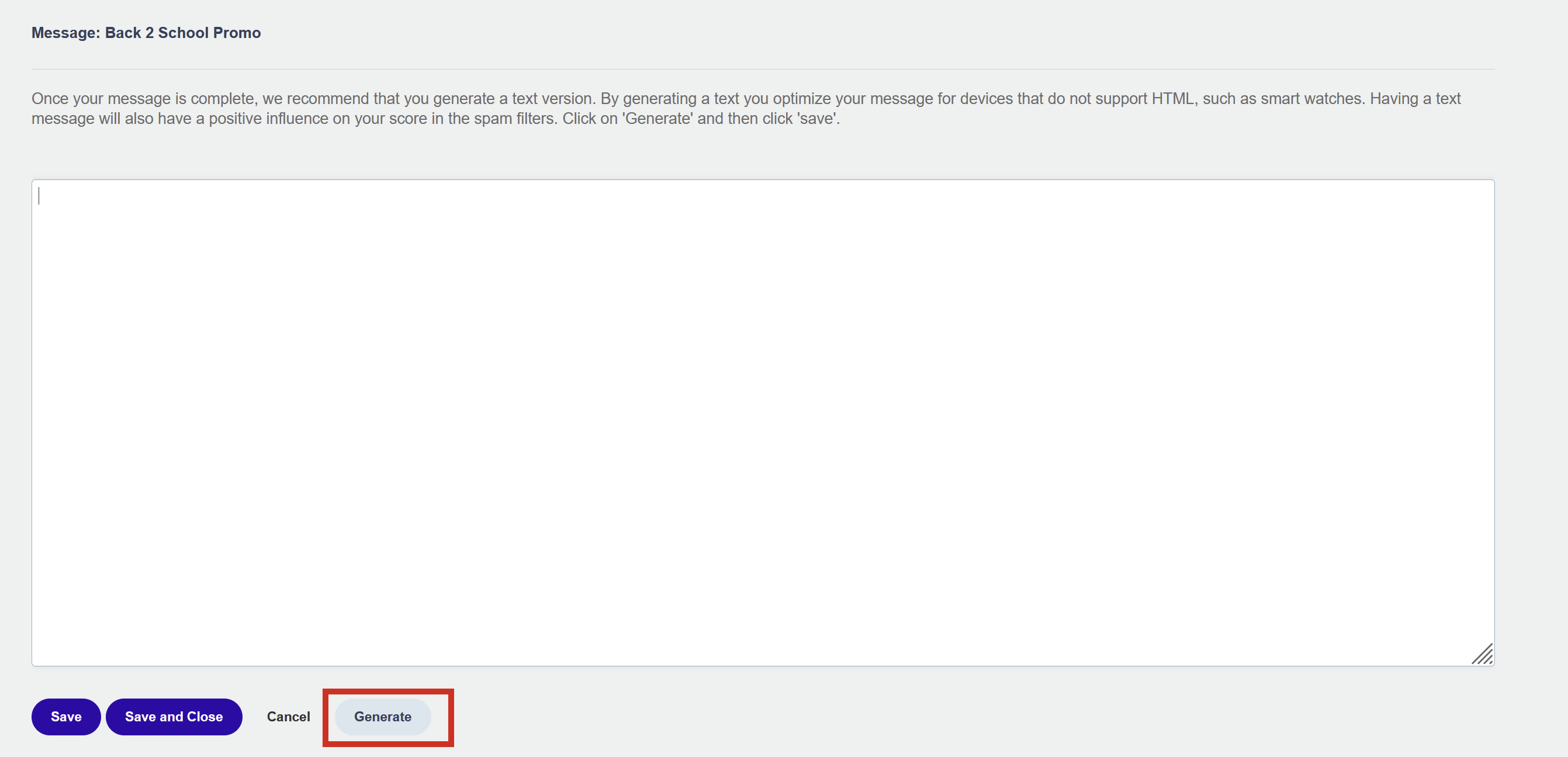
After generating, you can edit the text version manually to improve readability or remove elements that do not translate well to plain text.
What the text version does and does not include
The text version contains all plain text content from your message, alt texts instead of images, and URLs listed at the end for each button or link. Images, HTML formatting, columns, and styled elements are not included.
Keeping the text version in sync
If you make major changes to your message after generating the text version, regenerate it to keep both versions consistent. A heavily outdated text version can trigger spam filters that check for discrepancies between HTML and text content.
Pro tips
- The campaign overview page (step 3 of creating a campaign) shows a warning if your message has no text version. The warning does not prevent sending, but it is a clear signal that adding one is worth doing.
- Review the text version manually after automatically generating it. Automatic generation handles most content well, but complex layouts with tables or multi-column structures sometimes produce awkward plain text output that benefits from a light edit.
Common mistakes to avoid
- Generating the text version once and never checking it again. If you update your message, the text version becomes outdated. Regenerate it whenever you make major changes.
- Skipping the text version entirely. Generating it takes less than a minute and noticeably improves your deliverability profile.
Next steps
- See "Alt texts" to write descriptive alt texts that appear in the text version instead of images.
- See "Benefits of a text version of a message" in Best practices for a fuller explanation of why the text version matters.